Master Google Ads PPC: The Ultimate Training Guide for Beginners & Pros
Google Ads remains one of the most powerful tools for driving targeted traffic, boosting conversions, and accelerating business growth. Whether you’re a complete beginner or a skilled marketer looking to sharpen your PPC expertise, this guide will take you through everything you need to know — from the basics to advanced optimization.
Let’s dive into the ultimate training guide that helps you master Google Ads PPC like a pro.
1. Introduction
Google Ads PPC (Pay-Per-Click) advertising allows businesses to appear in front of people searching for their products or services. Unlike traditional marketing, PPC ensures your ads are shown only to people actively interested in what you offer — making it one of the fastest ways to generate leads and sales.
This guide is designed for beginners, entrepreneurs, freelancers, and professionals looking to build profitable, high-converting Google Ads campaigns. By the end, you’ll understand how to set up, optimize, and scale campaigns that deliver real results.
2. Understanding Google Ads PPC Basics
2.1 What Is PPC (Pay-Per-Click)?
PPC is a digital advertising model where advertisers pay only when someone clicks their ad. It gives you full control over your budget and allows you to target specific keywords, locations, devices, and audiences.
Key PPC terms you should know:
- CPC (Cost Per Click) — how much you pay per click
- CTR (Click-Through Rate) — percentage of users who click your ad
- CPM (Cost Per Thousand Impressions) — cost per 1,000 views
- CPA (Cost Per Acquisition) — cost to acquire a customer or lead
2.2 How Google Ads Works
Google uses an auction system to determine which ads appear in search results. Factors include:
- Keyword relevance
- Ad quality
- Quality Score
- Bid amount
Together, these influence your Ad Rank, which determines your ad’s position and cost.
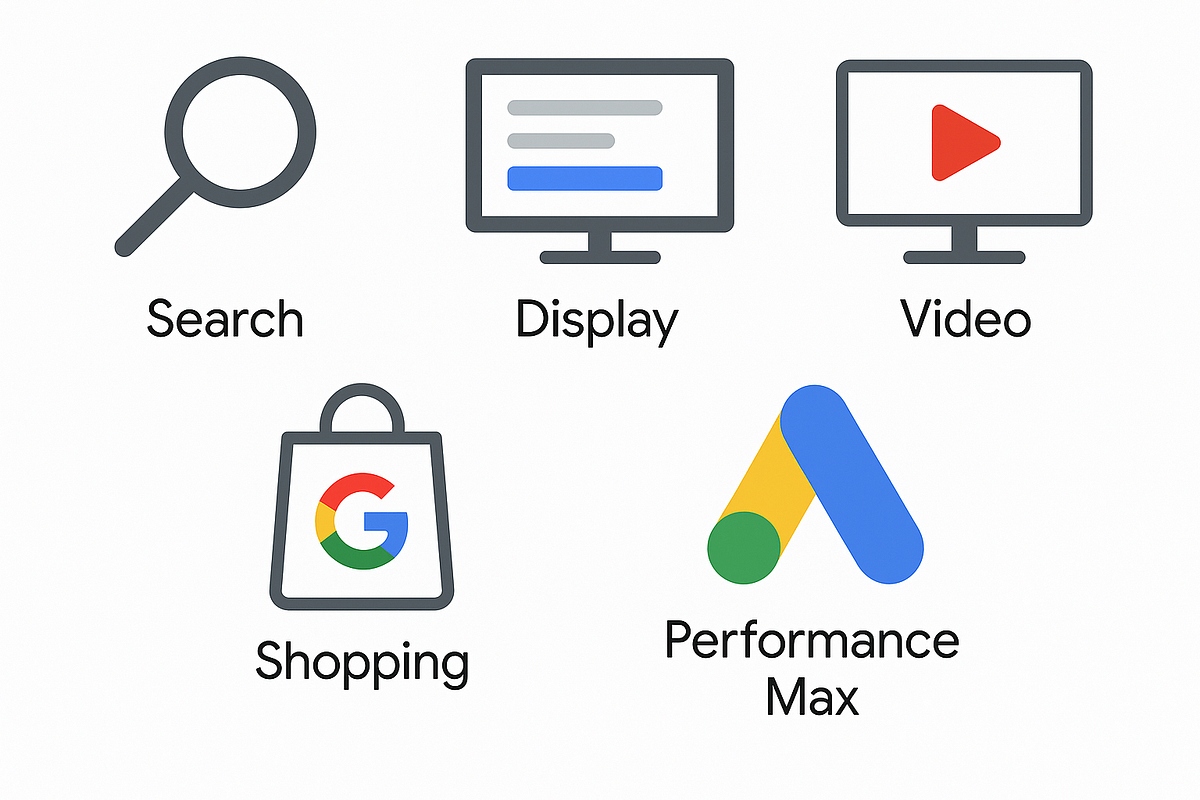
2.3 Types of Google Ads Campaigns
Google offers multiple campaign types:
- Search Ads — text ads on Google search results
- Display Ads — image ads across websites
- Video Ads — YouTube ads
- Performance Max — AI-driven multi-channel campaigns
- Shopping Ads — product listings for e-commerce
- App Campaigns — promote app installs and engagement
3. Setting Up Your Google Ads Account
3.1 Creating Your Account
Signing up is simple:
- Visit Google Ads
- Add your business details
- Set billing information
- Choose your first campaign goals
3.2 Understanding the Dashboard
Once inside, you’ll find:
- Campaign overview
- Ads & assets
- Keywords
- Settings
- Tools (Keyword Planner, Audience Manager, Recommendations)
- Reports: This dashboard serves as your command center for managing and optimizing all aspects of your business.
4. Keyword Research & Targeting
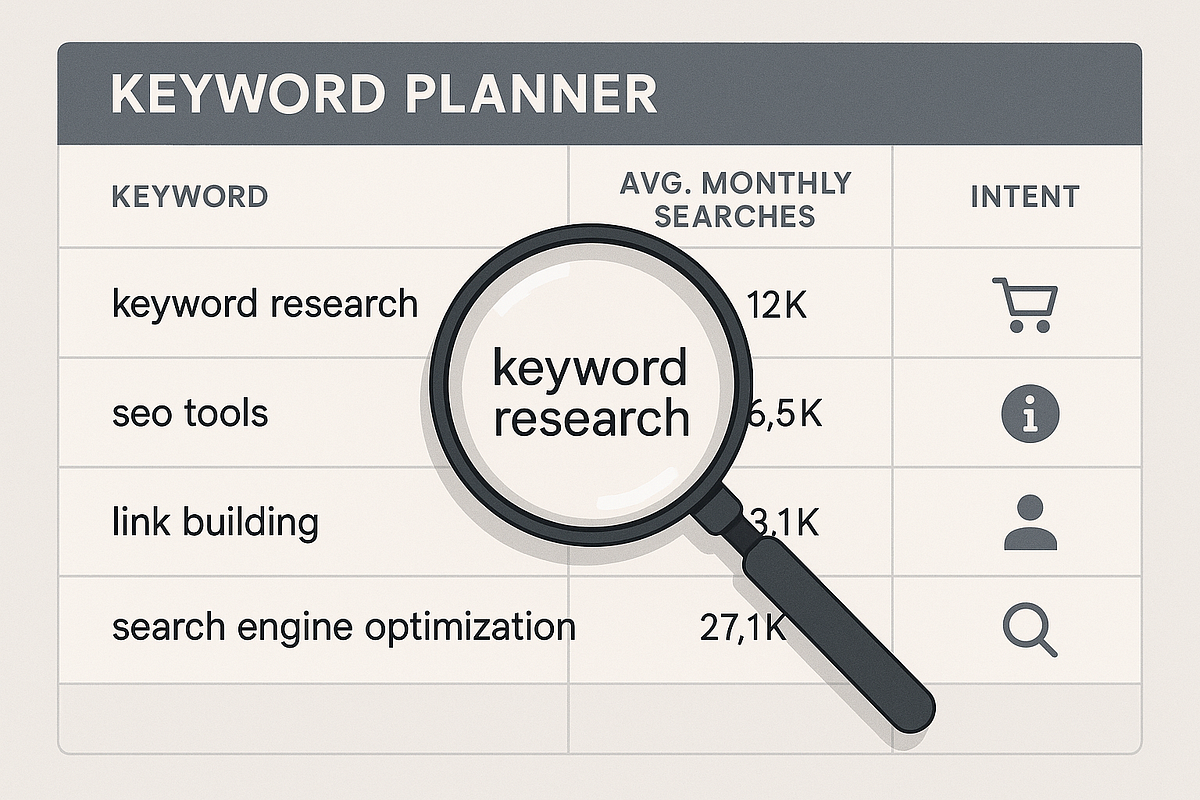
4.1 Importance of Keyword Research
Choose keywords that match user intent. Focus on:
- Purchase intent (“buy”, “hire”, “best”)
- Problem-solving intent (“how to fix…”, “near me”)
- High-value long-tail keywords
4.2 Tools for Keyword Research
Use:
- Google Keyword Planner (free)
- Ahrefs
- SEMrush
- Ubersuggest
4.3 Keyword Match Types
Match types control how broad or specific your targeting is:
- Broad Match — widest reach
- Phrase Match — shows related phrases
- Exact Match — highly targeted
- Negative Keywords — prevent irrelevant clicks
5. Creating High-Converting Campaigns
5.1 Building Your First Campaign
Set up with:
- Clear goals (sales, leads, traffic)
- Proper networks (Search, Display, or both)
- Daily budget
- Bidding strategy (manual or automated)
5.2 Structuring Ad Groups
Organize your ads into tightly themed groups:
- SKAGs (Single Keyword Ad Groups) for precision
- Grouped themes for broader categories
5.3 Writing Winning Ad Copy
Great ads:
- Capture attention
- Highlight benefits
- Include strong CTAs
Use ad extensions like:
- Sitelinks
- Callouts
- Structured snippets
- Call extensions
- Price extensions

6. Optimizing Landing Pages for PPC
6.1 What Makes a Good Landing Page?
A strong PPC landing page must be:
- Relevant: Matches the ad’s offer
- Fast: Loads under 3 seconds
- Trustworthy: Includes testimonials, trust badges
6.2 Designing for Conversions
Elements every high-converting page needs:
- Clear headline
- Strong USP (unique selling proposition)
- Limited distractions
- Prominent CTA
- Mobile-friendly layout
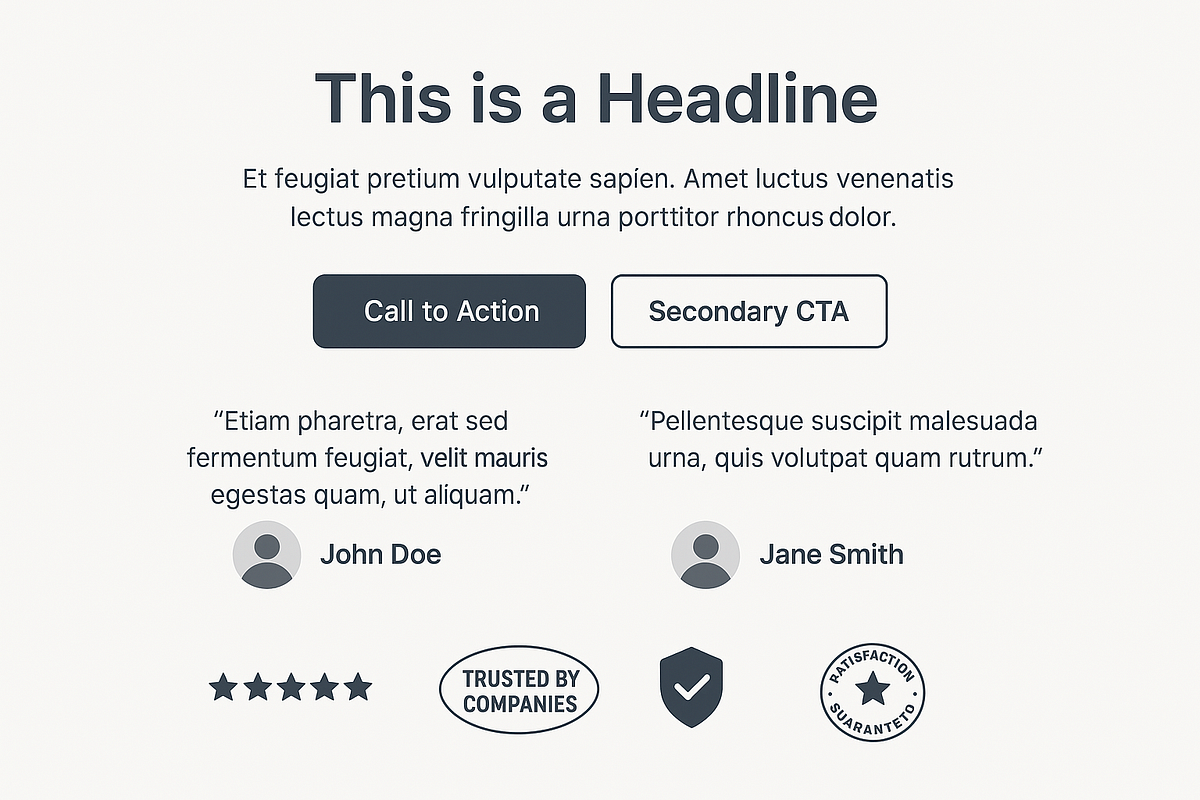
A/B testing your headlines, images, and CTAs helps boost conversions over time.
7. Bidding Strategies & Budget Management
7.1 Manual vs Automated Bidding
- Manual CPC: More control
- Automated: Google optimizes for performance
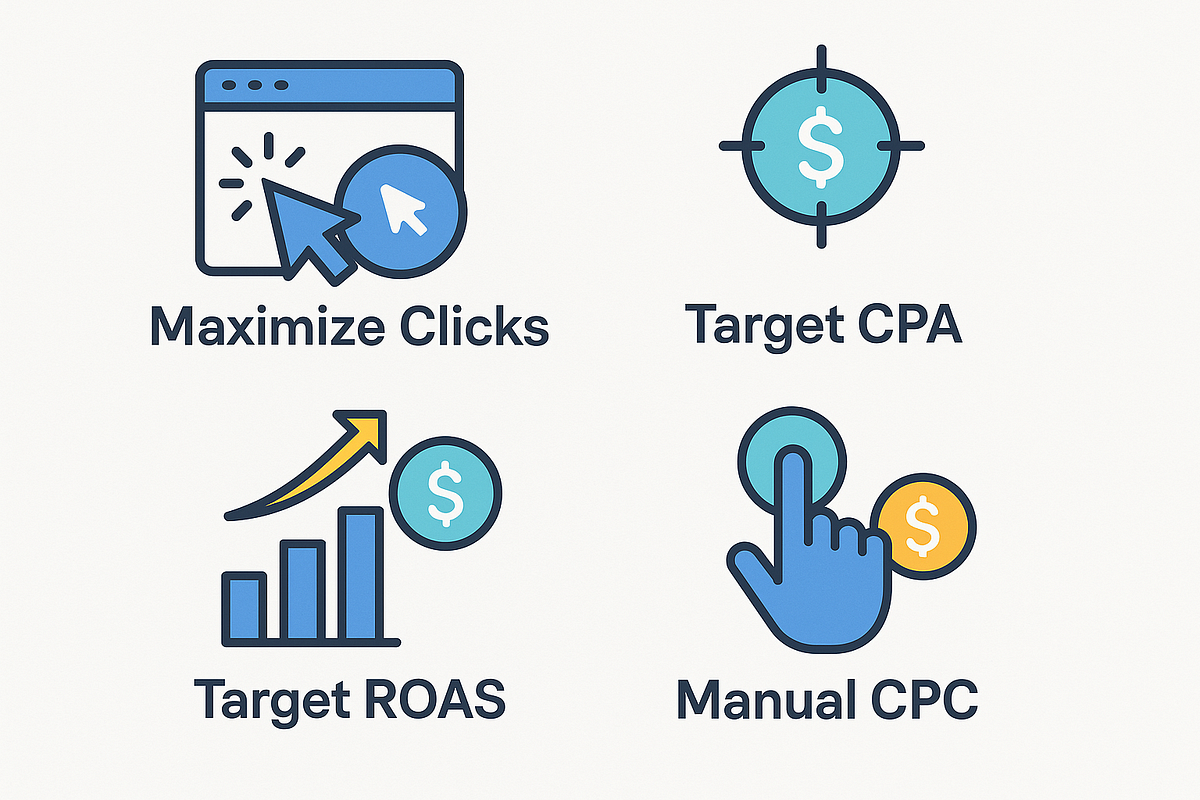
7.2 Smart Bidding Strategies
- Maximize Clicks — best for traffic
- Target CPA — best for leads
- Target ROAS — best for e-commerce
- Enhanced CPC — semi-automated control
7.3 Budgeting
Set:
- Daily budgets for control
- Monthly caps for planning
- Shared budgets for multiple campaigns
8. Tracking, Analytics & Measurement
8.1 Installing Conversion Tracking
Essential for optimization. Use:
- Google Ads conversion tags
- Google Analytics 4 (GA4) events
- Enhanced conversions
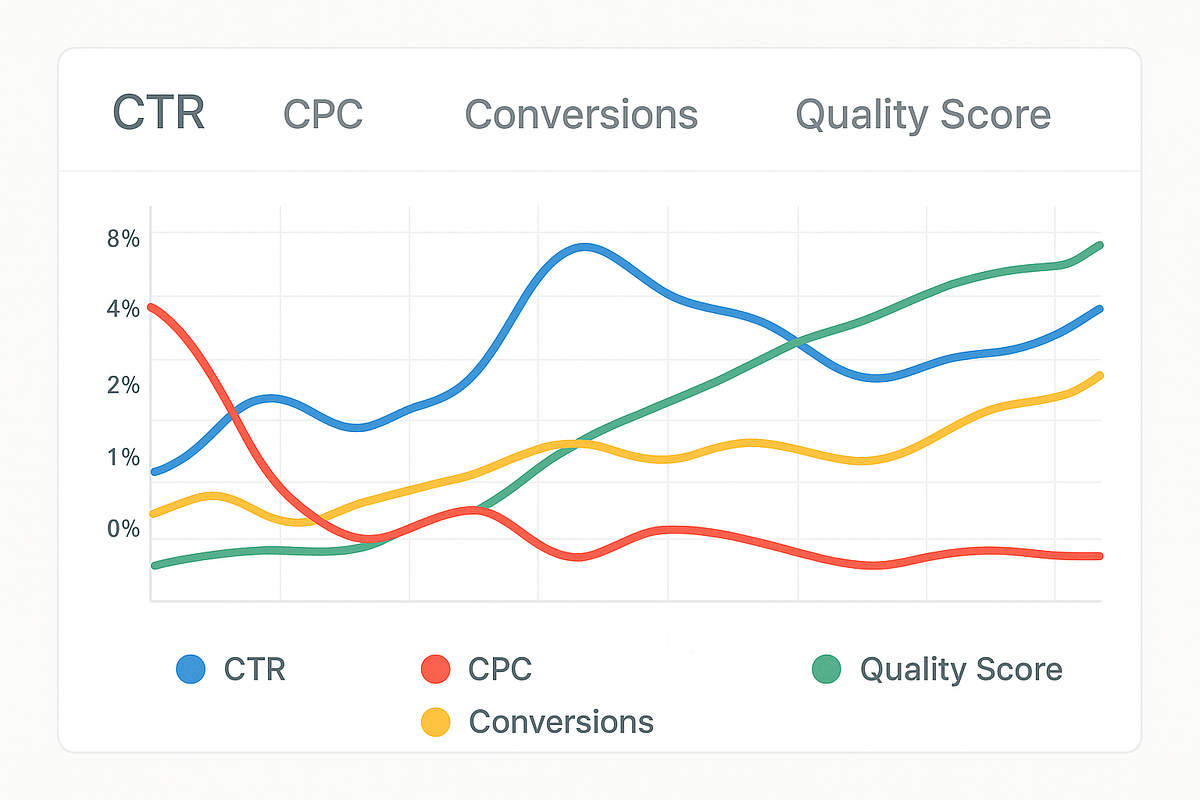
8.2 Key PPC Metrics to Track
- CTR — measures ad engagement
- CPC — determines cost efficiency
- Conversion Rate — tells you what’s working
- Quality Score — affects cost and ranking
- ROAS — tells you profitability
8.3 Reporting & Insights
Use Google Ads reporting to understand:
- Top-performing keywords
- Device performance
- Demographics
- Time-of-day conversions
- Search terms insights
9. Advanced PPC Strategies (For Pros)
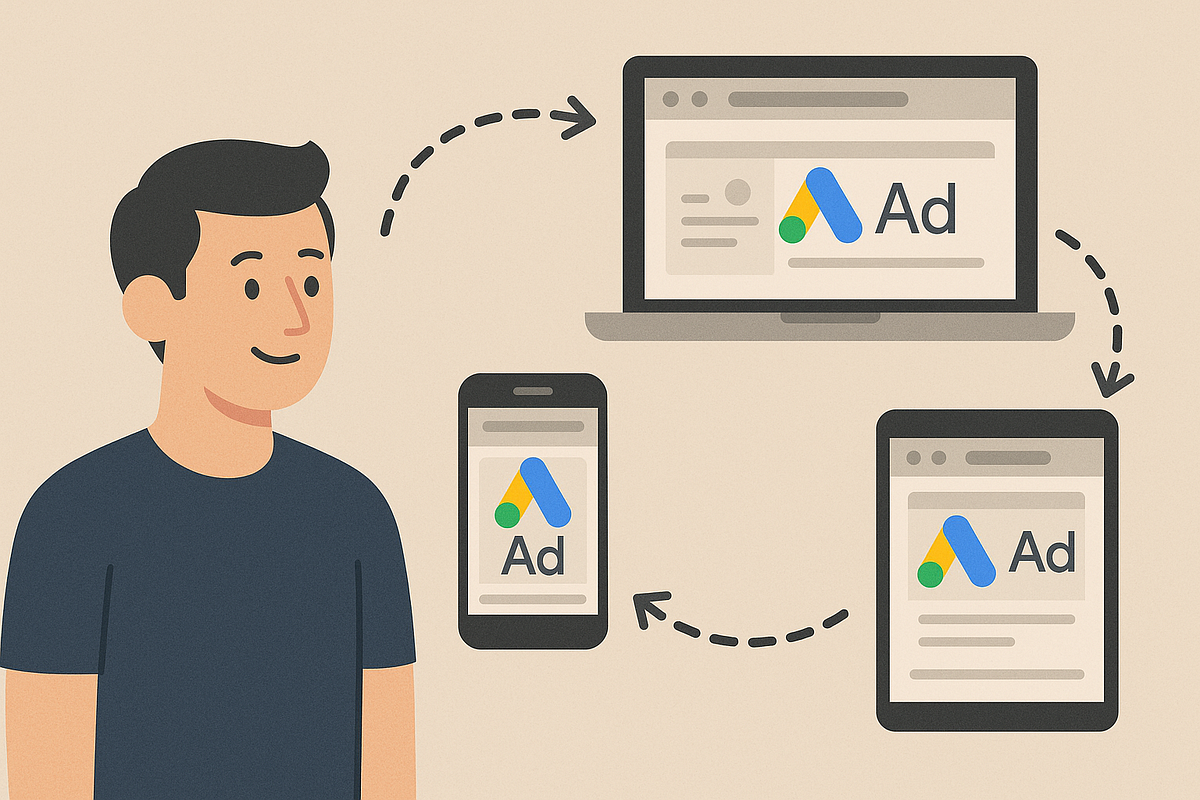
9.1 Remarketing Campaigns
Reach users who:
- Visited your site
- Added items to cart
- Watched your videos
Remarketing dramatically increases conversions.
9.2 Using Audiences & Demographics
Target:
- Custom segments
- In-market audiences
- Affinity audiences
- Life events
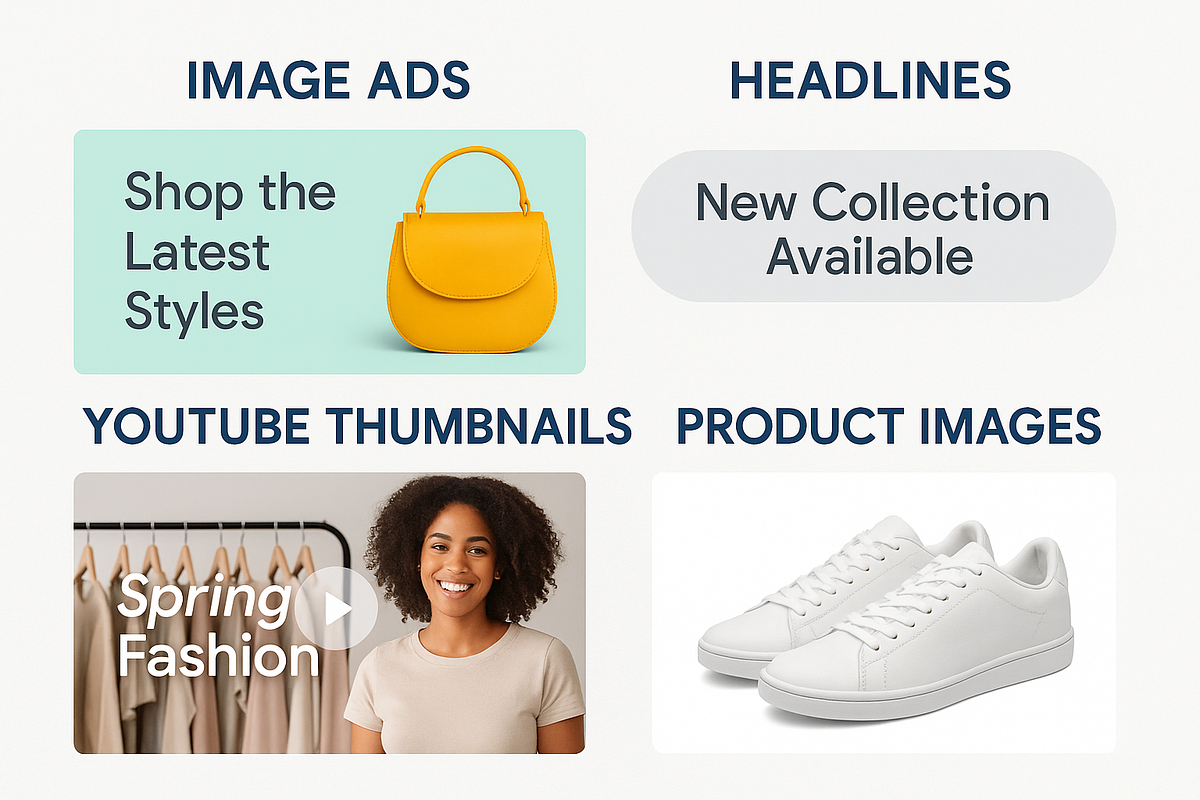
9.3 Performance Max Optimization Tips
Improve PMax campaigns by:
- Strengthening creative assets
- Refining audience signals
- Improving product feeds (for e-commerce)
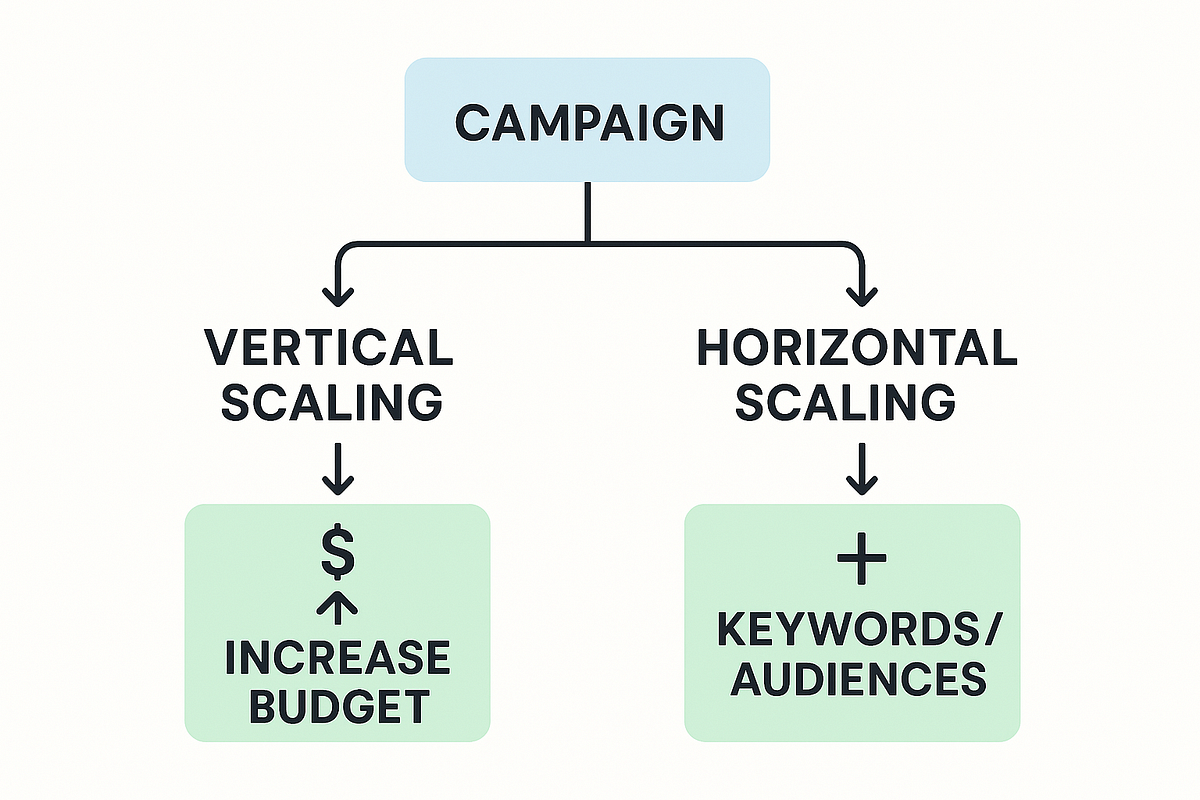
9.4 Scaling Winning Campaigns
Two powerful methods:
- Vertical scaling: Increase the budget gradually
- Horizontal scaling: Add new keywords and audiences
10. Common Google Ads Mistakes to Avoid
Avoid:
- Using only broad match blindly
- Weak or generic ad copy
- Ignoring negative keywords
- Not optimizing landing pages
- Making changes too quickly
- Relying solely on automated bidding
11. Helpful Tools & Resources
Tools to improve your PPC performance:
- Google Keyword Planner
- Google Trends
- SEMrush
- Ahrefs
- SpyFu
- Hotjar (landing page insights)
- Google Analytics 4
12. Conclusion
Mastering Google Ads PPC is one of the most valuable skills in digital marketing. Whether you’re running ads for your own business or managing campaigns for clients, the principles in this guide will help you build high-performing, profitable campaigns.
Start small. Test consistently. Optimize relentlessly.
With the right strategy, Google Ads can deliver exponential growth.


Comments
Post a Comment