KlickTipp: A Comprehensive Introduction for Beginners
If you’re new to email marketing or automation, KlickTipp might look a bit different from the mainstream tools you’ve heard about. You’ll notice tags instead of lists, SmartLinks instead of complex rule sets, and event-based triggers instead of generic autoresponders. That difference is exactly why I’ve used KlickTipp for several years and why it continues to outperform many competitors when you rely heavily on segmentation, personalization, and behavior-based marketing.
Whether you’re a solopreneur, coach, affiliate marketer, course creator, or small business owner, this guide will help you understand what KlickTipp can do, how it works, and how to get started without feeling overwhelmed.
Why I Chose KlickTipp (and Still Rely on It Years Later)
After spending years working with major email platforms like Mailchimp, ConvertKit, ActiveCampaign, AWeber, GoHighLevel, and others, I found myself repeatedly running into the same problems: limited segmentation, poor deliverability, messy lists, and far too much manual work when building complex funnels.
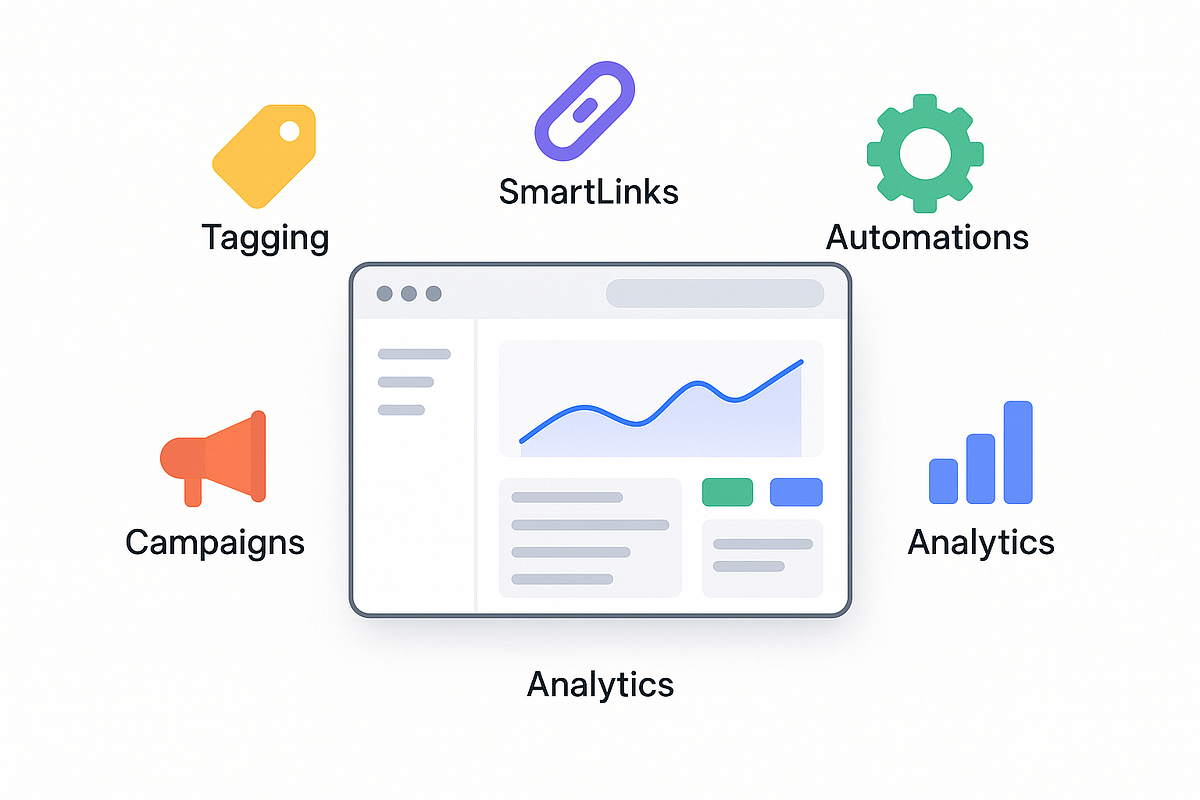
When I switched to KlickTipp, a few things immediately stood out:
- Tag-Based Automation Is Deeper and More Flexible
Unlike list-based systems that force you to split contacts into multiple lists, KlickTipp uses tags to track every action: clicks, purchases, webinars, interests, and more. - SmartLinks Save Hours of Manual Work
These links automatically tag people when they click — no rules, no extra setup, no hassle. - Deliverability Is Exceptionally High
KlickTipp’s strict double opt-in and list hygiene gave me noticeably better inbox placement. - It’s Built for Behavior-Based Marketing
Triggers such as “clicked,” “purchased,” or “tag changed” let you run smart, personalized funnels without coding.
KlickTipp doesn’t try to be an all-in-one system, and that’s actually a strength. Its focus on email allows it to remain stable, reliable, and extremely effective for automation-heavy workflows.
How I Use KlickTipp in My Business and Client Work
Over the years, I’ve used KlickTipp in two main areas:
1. My Own Business (Affiliate Marketing & Automated Funnels)
- evergreen email sequences
- segmentation based on product interests
- behavior-based follow-ups
- webinar reminders
- automated list cleaning
- multilingual campaigns
- affiliate promos triggered by clicks, not generic blasts
2. Client Funnels (Coaches, Course Creators, Small Businesses, Digital Creators)
- onboarding sequences
- webinar funnels
- launch campaigns
- post-purchase automation
- lead generation funnels
- targeted interest-based follow-ups
Because KlickTipp relies on tags rather than lists, each funnel stays clean, scalable, and far easier to manage over time.
Real Case Studies: What KlickTipp Has Helped Me Achieve
Case Study #1 — Coaching Client Webinar Funnel (42% Conversion Lift)
A coaching client needed better follow-up automation for their webinar. They were previously sending generic emails to everyone, whether they attended or not.
With KlickTipp, I built:
- tags for registered, attended, left early, and no-show
- SmartLinks to segment interests
- automated sequences tailored to each behavior
- a deadline-triggered sales sequence
Result: 42% higher conversions compared to their previous one-size-fits-all sequence.
Case Study #2 — My Evergreen Affiliate Funnel
I created a 24/7 automated funnel that promotes different affiliate offers based on clicks and behavior.
KlickTipp enabled:
- automatic tagging based on product interest
- SmartLinks to exclude buyers
- reactivation sequences for inactive leads
- interest-driven segmentation that doesn’t annoy subscribers
Result: more targeted offers, consistently higher click-through rates, and predictable daily affiliate revenue.
The Problems KlickTipp Solved for Me (and Most Beginners)
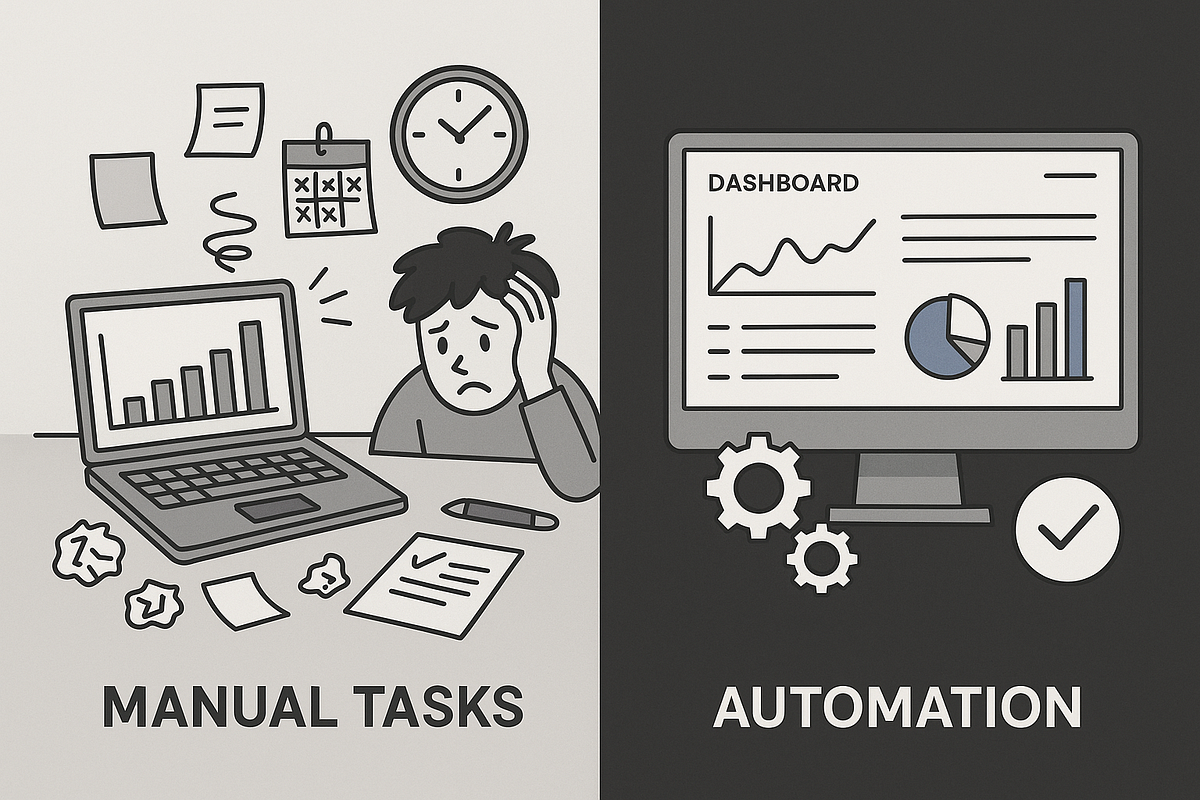
Before KlickTipp, I struggled with:
- limited segmentation tools
- too much manual work
- automations that broke easily
- duplicate contacts in list-based systems
- poor deliverability and spam issues
- lack of clarity around subscriber behavior
Switching to KlickTipp immediately improved:
- open rates by 12–25%
- click-through rates by 18–35%
- funnel conversions by 20–40%
- time savings (5–10 hours per week)
- campaign insights and data clarity

KlickTipp’s Real Strengths (What Makes It Unique)
Based on years of hands-on experience, here are KlickTipp’s biggest differentiators:
1. Tagging That Outperforms Most Competitors
It’s cleaner, more scalable, and far more flexible than lists.

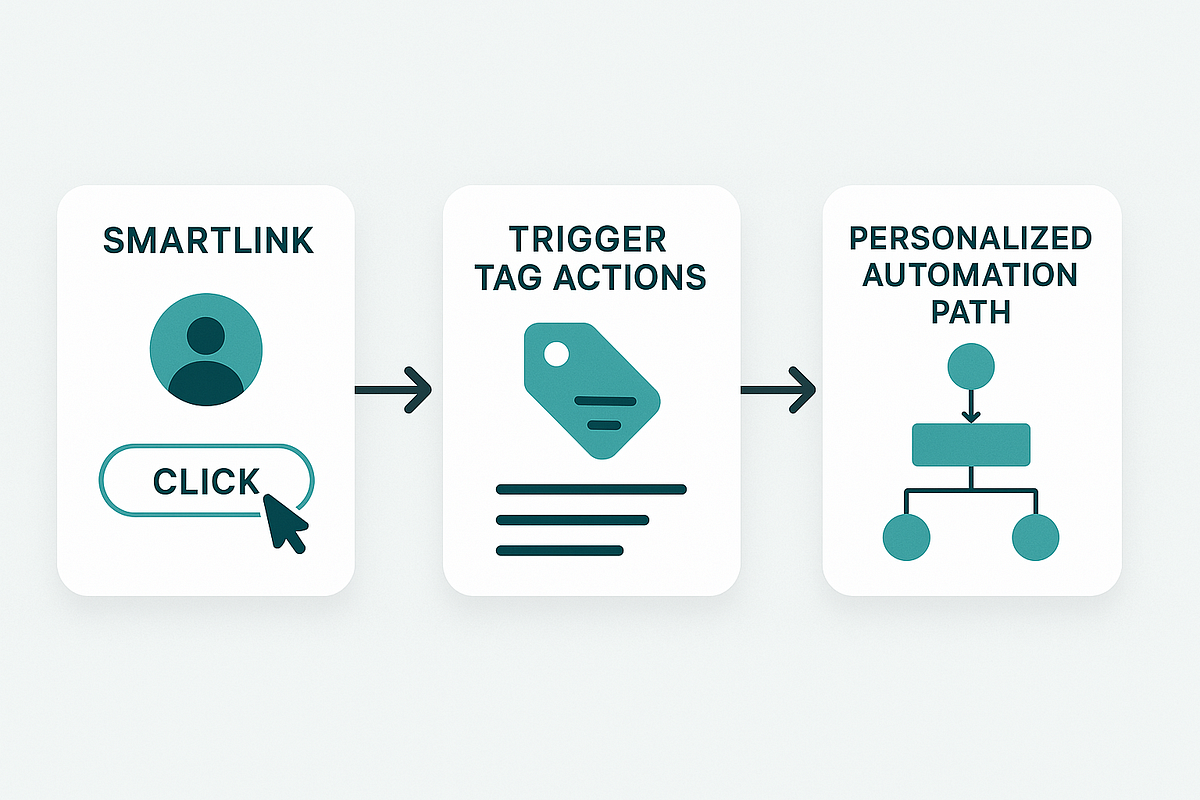
2. SmartLinks
One click applies the right tag, triggers the right sequence, and segments users instantly.
3. Unmatched Deliverability
Strict list hygiene = inbox placement that beats most mainstream tools.
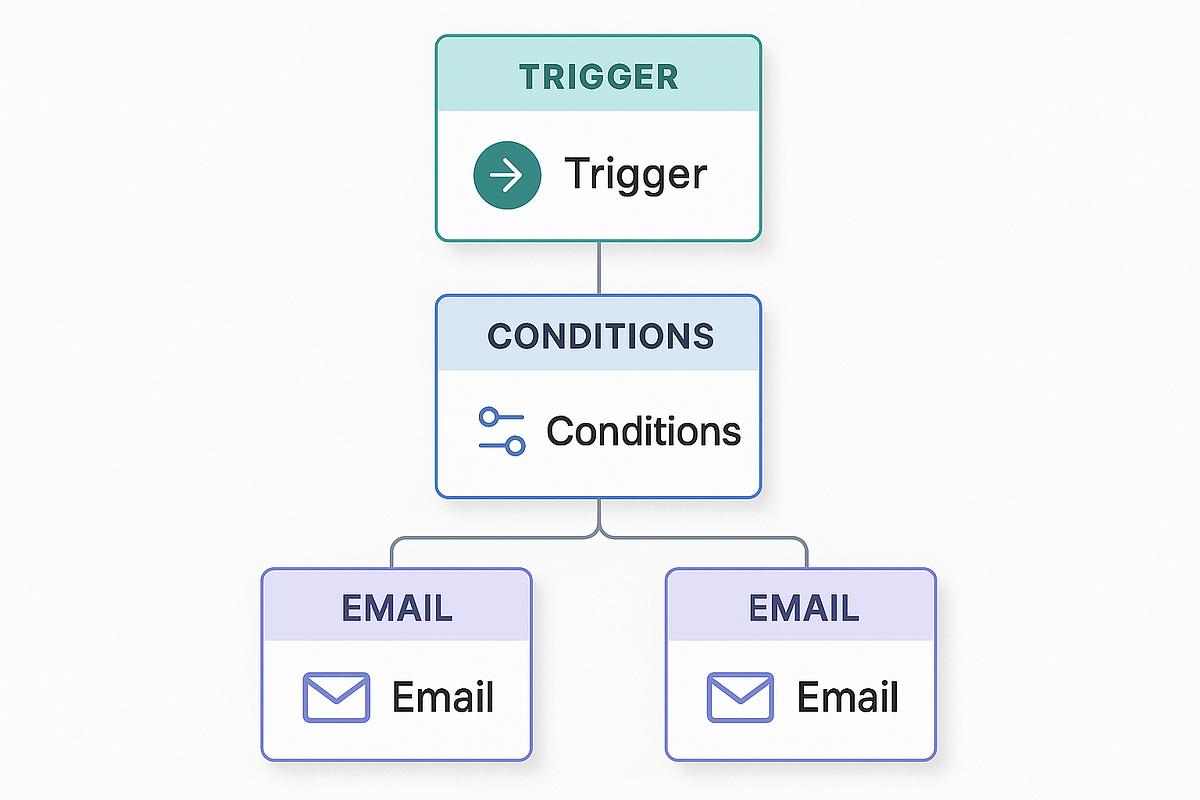
4. Event-Based Automation
Triggers based on:
- clicks
- purchases
- tag changes
- sign-ups
- behavior within funnels
5. Simplicity + Power
It hits the sweet spot between beginner-friendly and automation-heavy.
Where Beginners Often Get Stuck (And How to Avoid It)
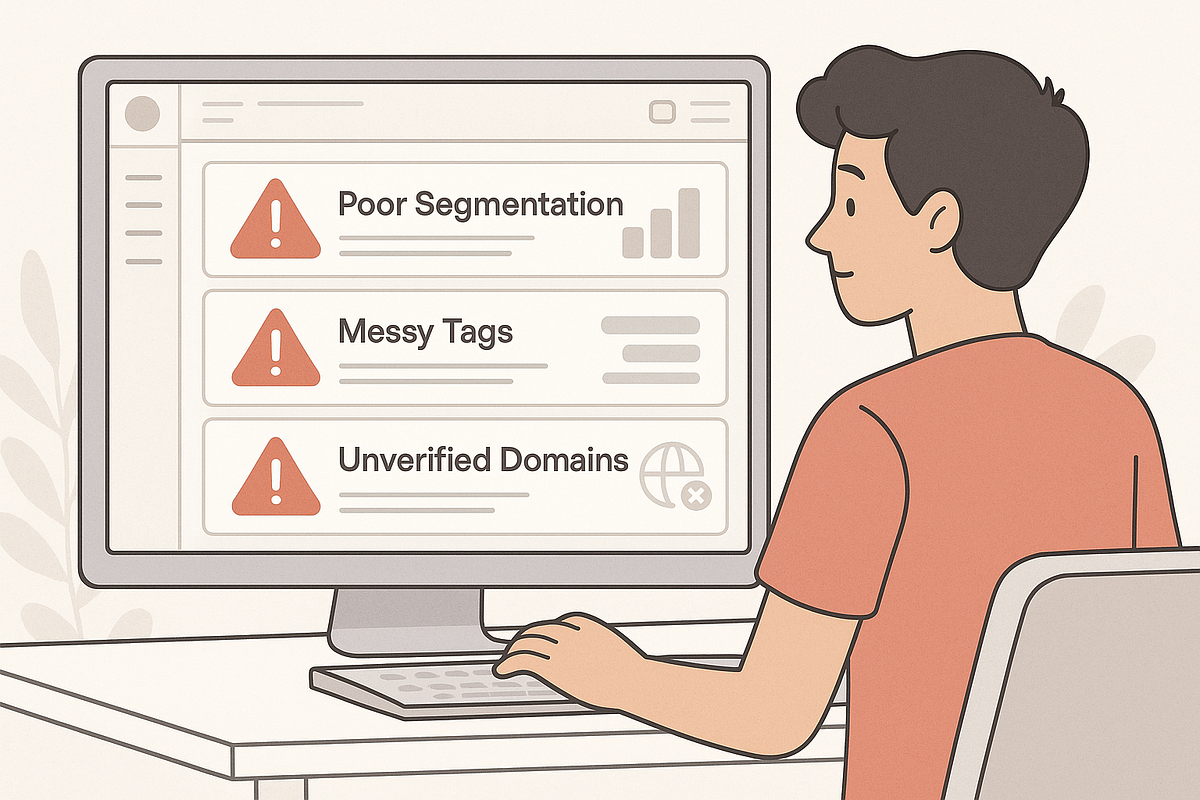
Beginners usually run into trouble for one of these reasons:
- Treating KlickTipp like a list-based tool
- Creating too many unclear tags
- Ignoring SmartLinks
- Building automations before understanding triggers
- Not testing opt-ins, tags, and flows
- Trying to build advanced funnels too quickly
- Turning off double opt-in and harming deliverability
All of these issues are avoidable with the right initial setup.
What Beginners Should Know About KlickTipp’s Limitations
KlickTipp is excellent — but not perfect.
You should be aware that:
- It is not an all-in-one funnel builder.
- The UI is functional but not as modern as tools like ActiveCampaign.
- You need a clear tagging strategy, or things can get messy.
- It has a learning curve if you’re used to list-based tools.
- Pricing can be higher at very large subscriber counts.
For the right type of user — especially segmentation-heavy marketers — its strengths far outweigh the drawbacks.
The Mandatory Setup Steps Every New KlickTipp User Should Start With
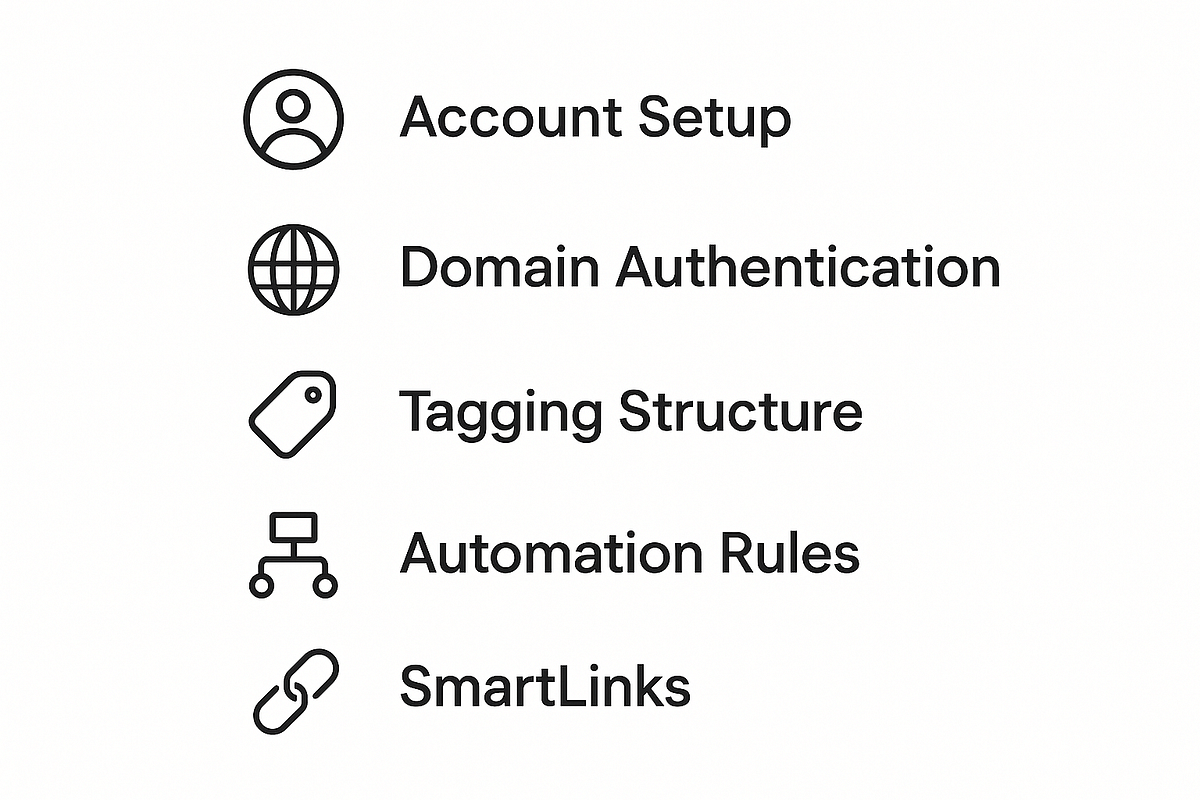
If you’re new to KlickTipp, these steps are essential before building anything else:
1. Create a Tagging Structure Before You Start
Use clear prefixes like:
- interest
- webinar
- engagement
- purchase
2. Configure Double Opt-In Correctly
This protects deliverability long term.
3. Use SmartLinks from Day One
They simplify everything.
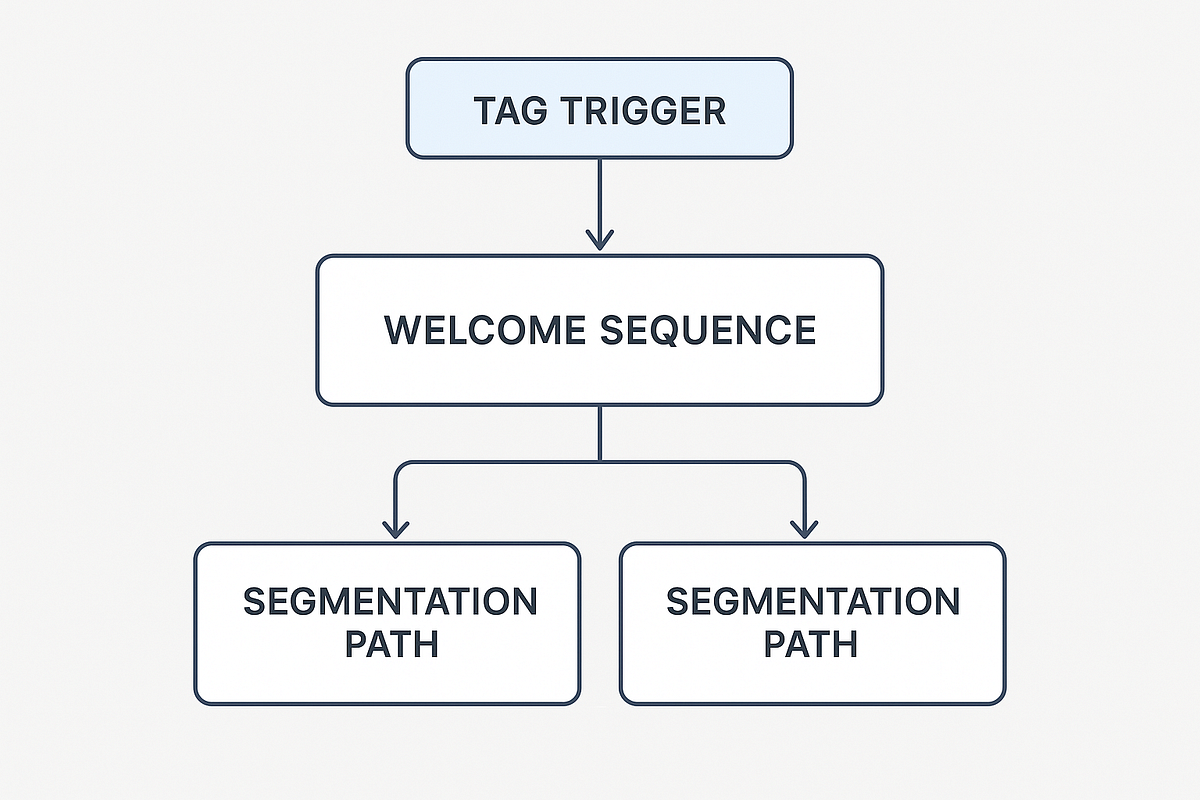
4. Build a Simple Welcome Sequence
At least 2–3 foundational emails.
5. Connect Your Opt-In Forms Properly
Test: form → tag → sequence.
6. Clean Up Lists and Test Contacts
Avoid clutter early.
7. Test Every Funnel Before Sending Traffic
One test cycle saves weeks of troubleshooting.
The Best Automation Blueprints for Beginners
Here are the workflows I recommend to every new KlickTipp user:
1. Welcome + Value Sequence (Mandatory)
A simple 3-email onboarding flow builds trust and engagement.
2. Interest-Based Segmentation Funnel
Use SmartLinks to tag users by topic or product interest.
3. Re-Engagement Sequence
Protects deliverability by cleaning inactive contacts.
4. Beginner-Friendly Affiliate Promotion Funnel
Send promotions only to subscribers who clicked.
5. Simple Webinar Funnel
Use behavior (attended vs. no-show) to tailor messaging.
6. Lead → Customer → Upsell Journey
Clean lifecycle automation for digital products or courses.
Who This Guide Is For
This introduction is perfect for:
- beginners
- early-stage marketers
- solopreneurs
- coaches and course creators
- affiliate marketers
- small businesses
- content creators
It’s designed to give you a clear understanding of what’s possible with KlickTipp before you dive into advanced automation.
Final Thoughts: Is KlickTipp Worth It for Beginners?
If you only want to send a monthly newsletter, KlickTipp may be more powerful than you need.
But if you’re building:
- funnels
- webinars
- affiliate campaigns
- automated onboarding
- evergreen promotions
- segmentation-heavy email systems
…then KlickTipp is one of the most reliable, powerful, and flexible email marketing tools you can choose.
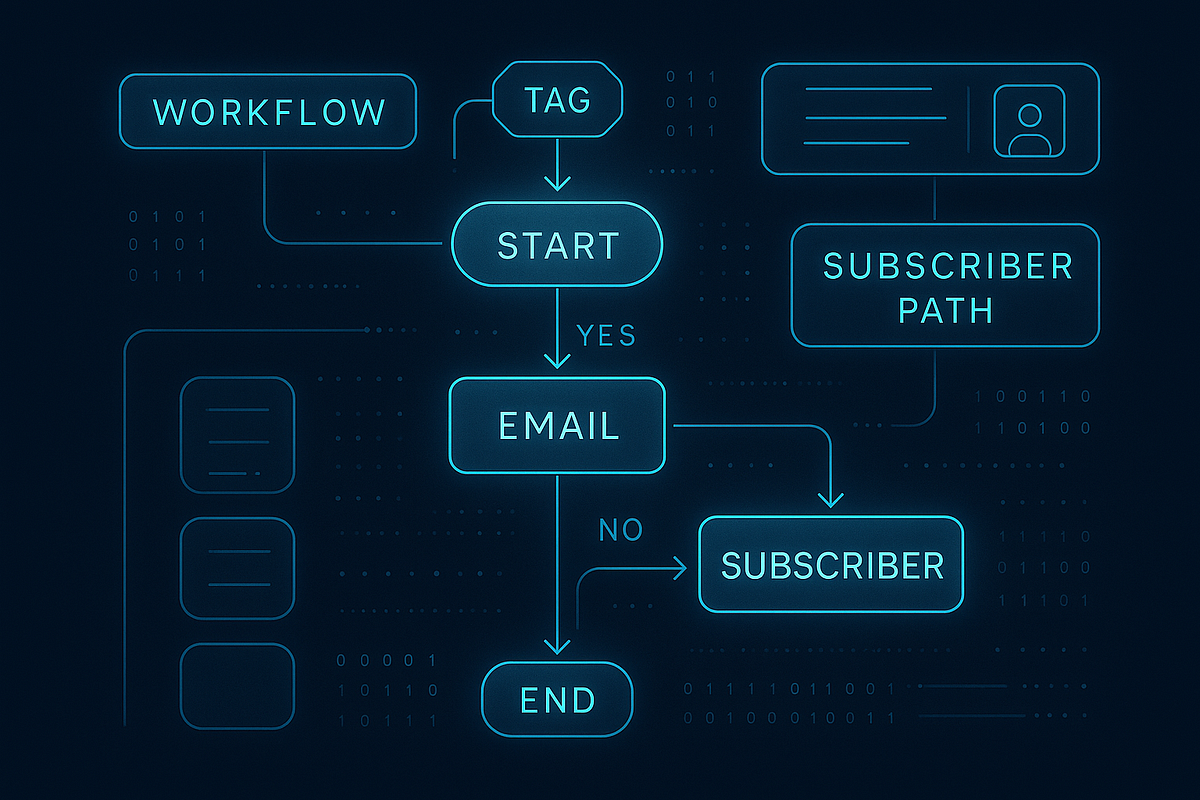
Its tagging system, SmartLinks, behavioral triggers, and deliverability advantages make it an excellent foundation for long-term, scalable email marketing — especially if you’re serious about automation.


Comments
Post a Comment