KlickTipp Explained: The Ultimate Guide
Everything You Need to Know — From Tagging to Automation, With Real-World Insights
Table of Contents
- Introduction: Why KlickTipp Deserves a Proper Explanation
- What Makes KlickTipp Different from Other Email Tools
- Tagging in KlickTipp: The Engine Behind Everything
- KlickTipp Features (Explained Like a Practitioner)
- My Experience: What KlickTipp Does Exceptionally Well
- Limitations, Pain Points & Where It Falls Short
- KlickTipp Pricing Explained
- KlickTipp vs. Main Competitors (ActiveCampaign, Mailchimp, GetResponse)
- Use Cases: Who Gets the Most Value From KlickTipp
- Who Should Avoid KlickTipp
- Pros & Cons
- Final Verdict
- FAQs
1. Introduction: Why KlickTipp Deserves a Proper Explanation
KlickTipp is one of those tools that marketers either love, misunderstand, or underestimate.
I’ve used it for several years across:
- online education businesses
- consulting projects
- service providers
- automation-heavy funnels
- tagging-driven segmentation systems
And while many email platforms look similar on the surface, KlickTipp fundamentally approaches email marketing differently — especially when it comes to tagging, contact intelligence, and automation logic.
That’s why I’m writing this guide:
To explain exactly how KlickTipp works, what makes it unique, and whether it’s the right choice for your business.
2. What Makes KlickTipp Different from Other Email Tools
Most email platforms are built around the same idea:
Lists → Contacts → Segments → Automations
KlickTipp flips this model.
✔ KlickTipp is Tag-First.
Lists are optional, not central.
✔ Segmentation is event-based, not list-based.
✔ Automations rely on behavior (tags added/removed) instead of static lists.
✔ It was designed for marketers who care about precision, not mass sending.
This creates a more flexible system where contacts aren’t duplicated, and your automations behave more like living ecosystems than rigid funnels.
For advanced marketers, this is a superpower.
For beginners, it can feel unusual at first.
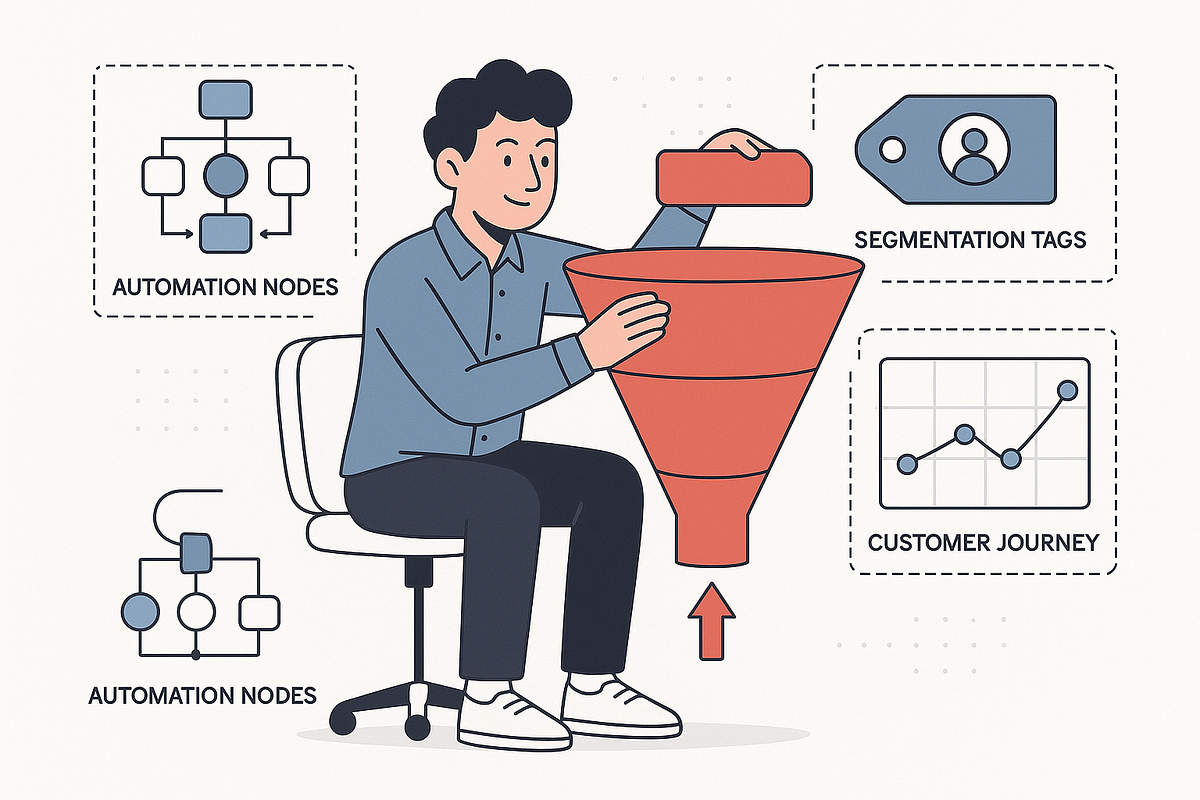
3. Tagging in KlickTipp: The Engine Behind Everything
If you understand tagging in KlickTipp, you understand KlickTipp itself.
3.1. Tagging = Contact Intelligence
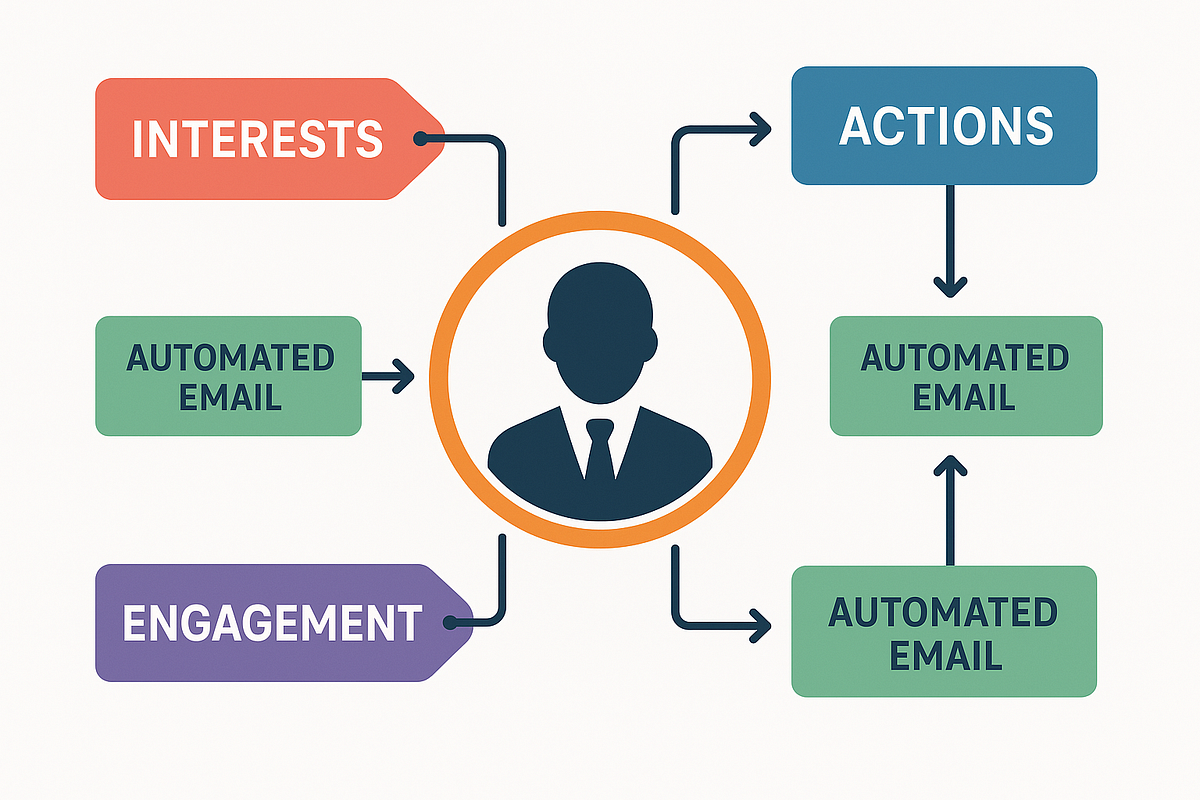
Tags represent:
- actions
- interests
- lead source
- customer behavior
- purchases
- engagement
- funnel position
Example:
- “webinar_registered”
- “clicked_salespage”
- “watched_50_percent”
- “leadmagnet_downloaded”
- “customer_basic_plan”
- “inactive_30_days”
KlickTipp listens to events and reacts.
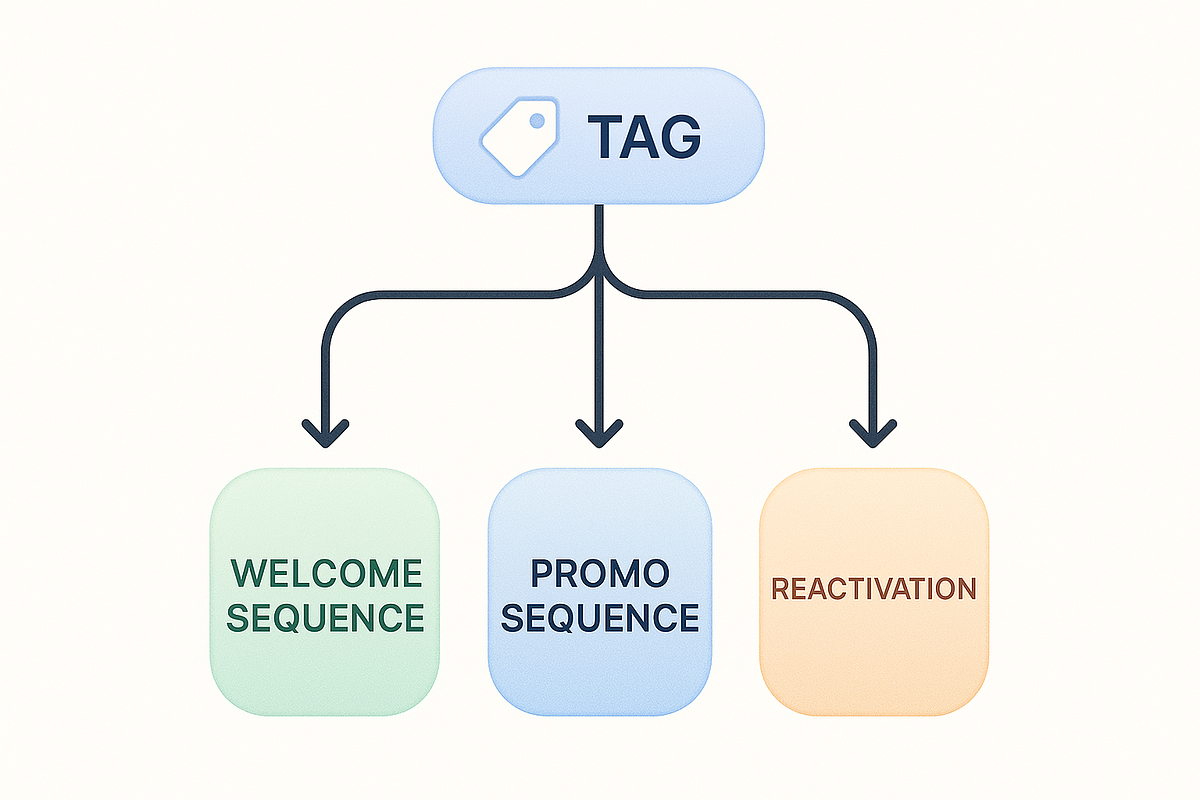
3.2. This Enables:
- hyper-personalized sequences
- automated sales pipelines
- behavioral segmentation
- dynamic follow-up strategies
- interest-based offers
- reactivation automations
- micro-segmentation at scale
3.3. Why This Is Better Than Lists
Other tools force you into multiple lists for one contact.
KlickTipp uses one contact with many tags.
This avoids:
- duplicate billing
- list confusion
- messy automation
- out-of-sync data
Tagging is the philosophy that makes KlickTipp powerful.
4. KlickTipp Features (Explained Like a Practitioner)
Here is a breakdown of KlickTipp’s main features, explained with real-world context.
4.1. Tag-Driven Automations (“SmartLinks”, Events & Actions)
KlickTipp’s automation engine is simpler than ActiveCampaign’s visual builder, but extremely effective.
You can trigger automations based on:
- tag added
- tag removed
- link clicked
- page visited (with tracking)
- form submitted
- purchase completed
- subscription canceled
- webinar attendance
- time-based events
This makes it ideal for funnel behavior tracking.
4.2. SmartLinks
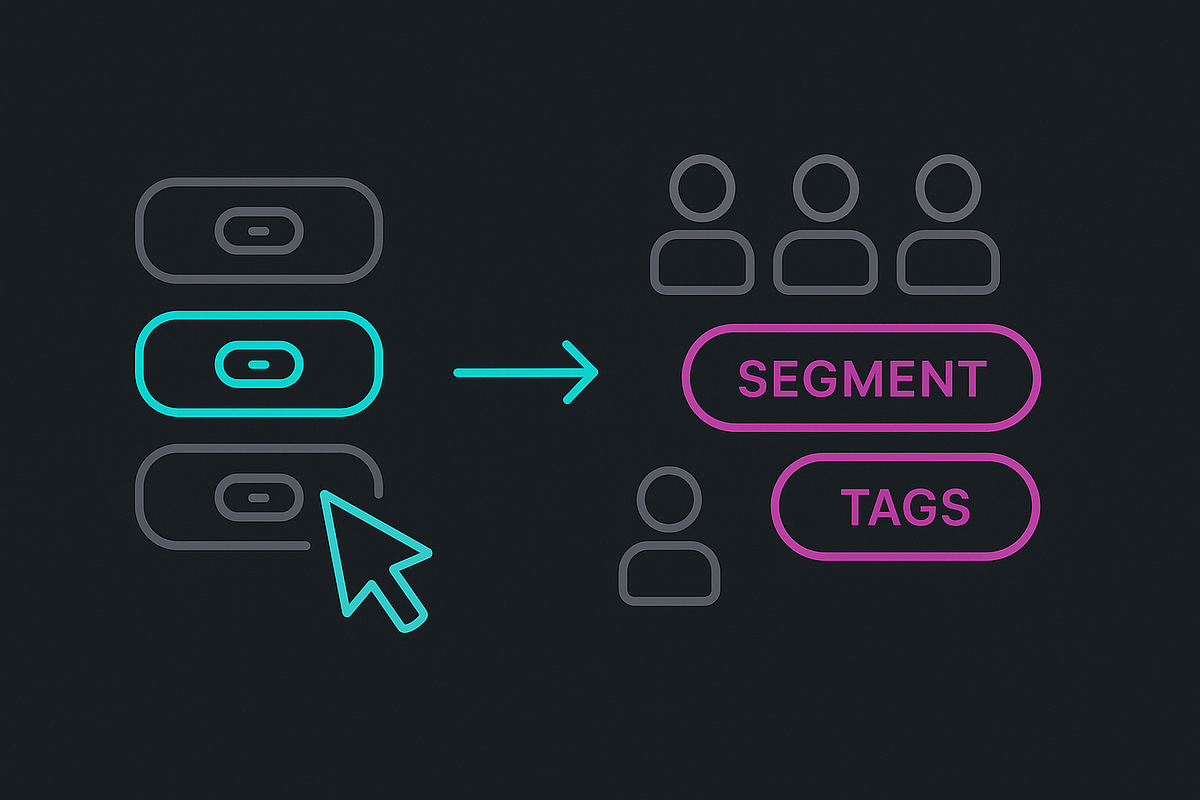
SmartLinks automatically assign tags when clicked.
Example:
Send ONE email with several options:
- “I’m interested in X” → tag applied
- “I’m interested in Y” → different tag
- “I’m not interested” → disengagement tag
This is one of my favorite features — and it works far better than trying to segment via landing pages.
4.3. Campaigns (Autoresponders, Follow-Ups, Funnels)
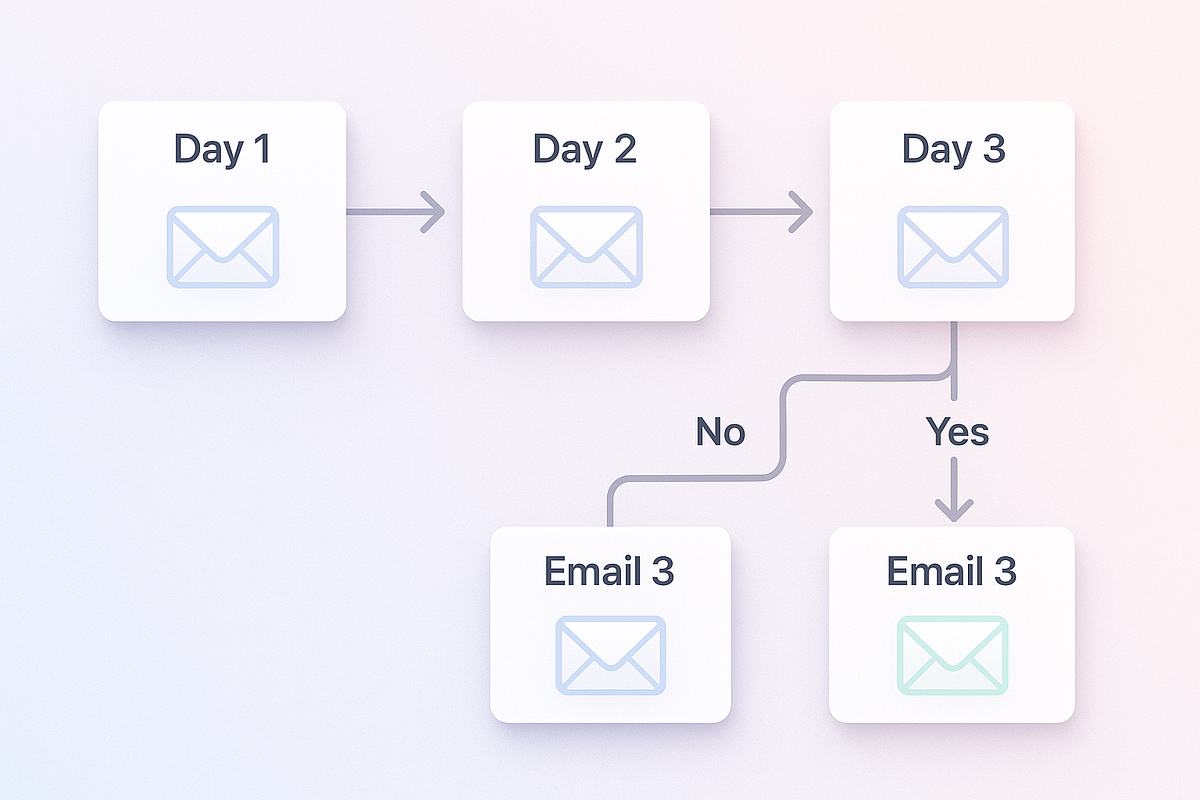
Campaigns can be:
- time-based (Day 1, Day 2, Day 3)
- event-based (when a tag appears or disappears)
- conditional (send different emails based on engagement)
- loop-based (repeat X every Y days — helpful for evergreen content)
You can build:
- onboarding sequences
- product launches
- email courses
- upsell sequences
- follow-up funnels
- reactivation sequences
- webinar reminders
I’ve used campaigns to run evergreen webinar funnels for years with almost no maintenance.
4.4. Visual Broadcasting + Deliverability
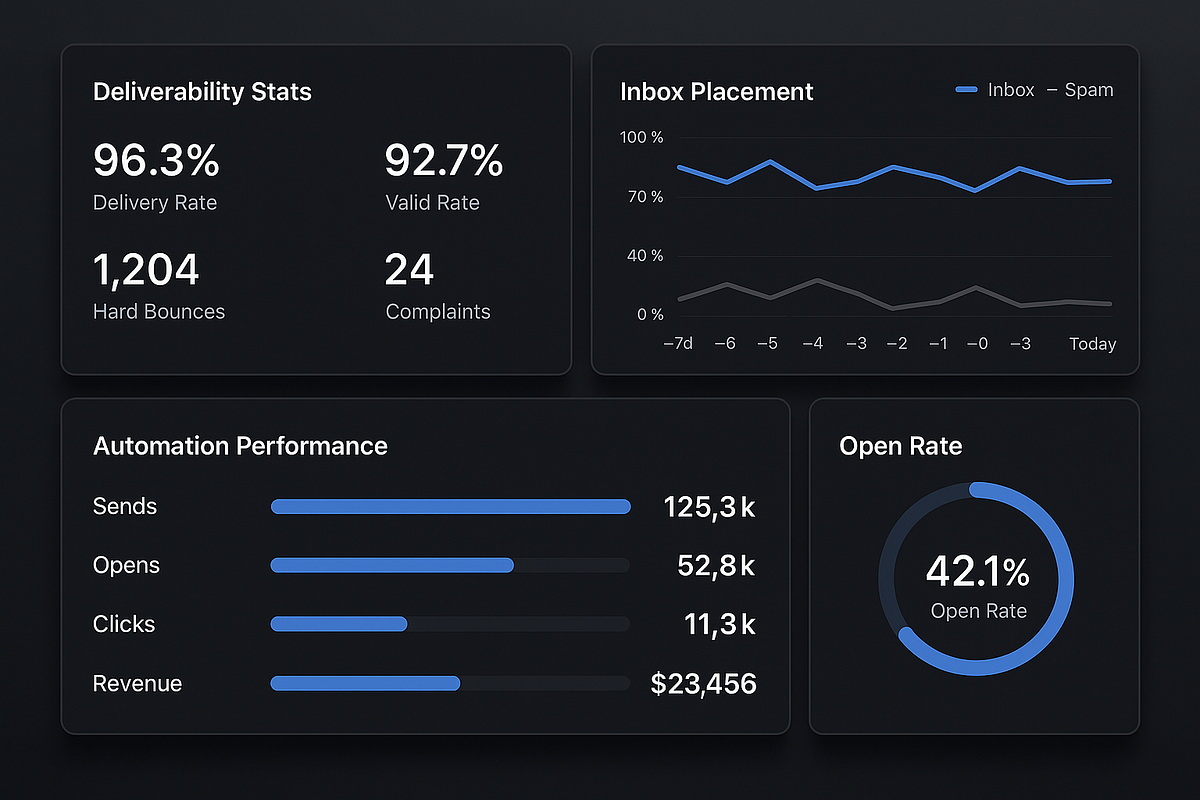
KlickTipp’s strength is deliverability.
Because the system encourages clean tagging and low duplication, your lists remain healthier.
In my experience, KlickTipp → Gmail inbox placement is consistently strong.
4.5. SMS Marketing (Built-In)
KlickTipp includes native SMS, which many tools lack.
Useful for:
- webinar reminders
- appointment confirmations
- short flash sales
- reactivation
4.6. Integrations
KlickTipp integrates well with:
- Digistore24
- Zapier
- ThriveCart
- WooCommerce
- WebinarJam
- Zapier webhooks
- Many European tools (German market focus)
5. My Experience: What KlickTipp Does Exceptionally Well
Here’s where I switch into first-person insights.
✔ Consistency
KlickTipp might not have the flashiest UI, but the system is rock-solid.
My automations have run for years without breaking.
✔ Clean data
Because everything is tag-based, my contacts remain organized.
Other tools eventually become messy. KlickTipp stays clean.
✔ Funnel tracking precision
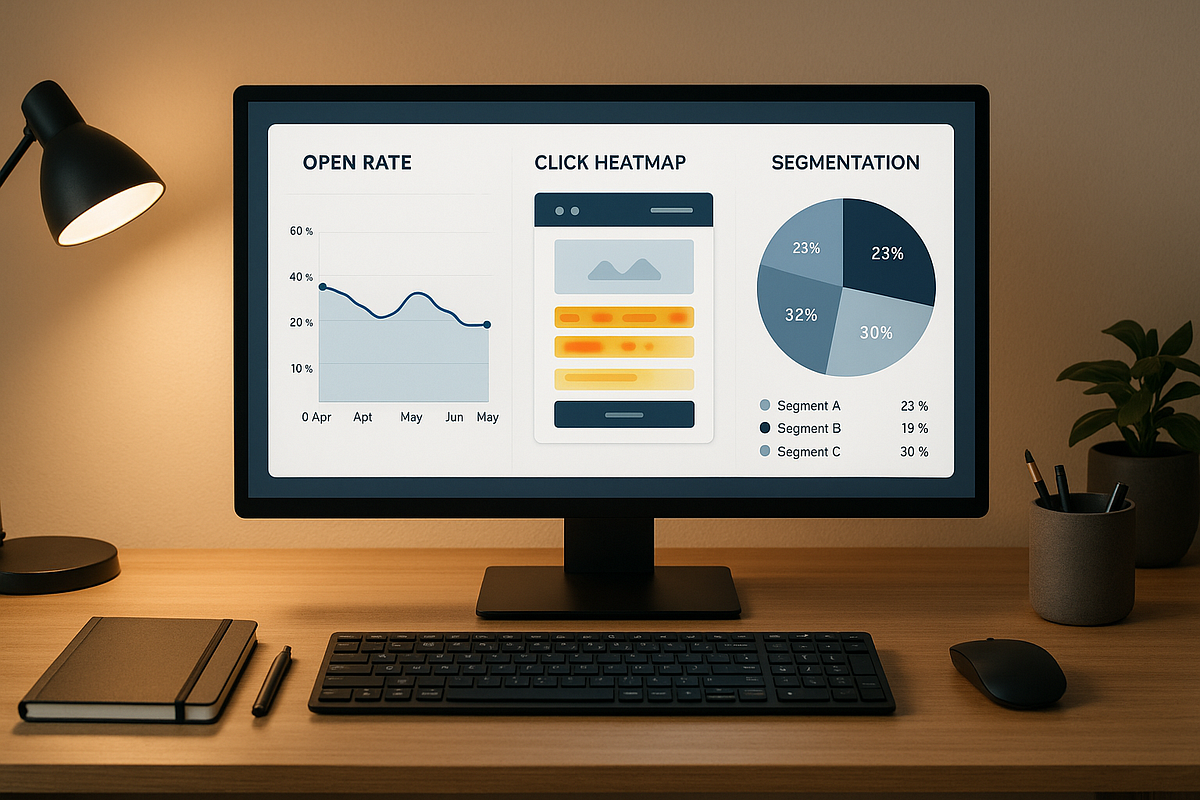
I can see:
- Who clicked
- Who watched
- Who abandoned
- Who is hot
- Who needs follow-up
This precision dramatically improves segmentation and conversions.
✔ Deliverability
KlickTipp has some of the best inbox placement I’ve tested — especially for warmed-up lists.
✔ Reliability of automations
No skipped steps.
No “automation stopped due to error.”
No mysterious contact duplicates.
6. Limitations, Pain Points & Where It Falls Short
KlickTipp is not perfect.
Here are areas where it underperforms:
❌ Interface feels outdated
New users often feel the UI looks “old school.”
❌ Learning curve
Tag-first systems require conceptual understanding.
❌ Lacks flashy visual automation maps
Compared to ActiveCampaign or Flow Builder tools, KlickTipp’s interface is simpler and less visual.
❌ Limited landing page builder
It works, but won’t replace modern funnel builders.
❌ Not ideal for total beginners
If someone only wants to send occasional newsletters, it’s overkill.
7. KlickTipp Pricing Explained
KlickTipp pricing is structured around:
- Standard
- Premium
- Deluxe
- Enterprise
Higher tiers unlock:
- more tags
- more subscribers
- advanced features
- extended support
For businesses using complex automation, the value is strong.
For beginners, the cost may feel high compared to Mailchimp.
8. KlickTipp vs Competitors
KlickTipp vs ActiveCampaign
- AC has better UI, more templates, and more integrations
- KlickTipp has cleaner tagging and better deliverability
- AC is more “American SaaS,” KlickTipp is more “precision marketer.”
KlickTipp vs Mailchimp
- Mailchimp is easier but far more limited
- KlickTipp is better for funnels, automation, and business logic
- Mailchimp duplicates contacts → expensive over time
KlickTipp vs GetResponse
- GetResponse has pages + webinars built in
- KlickTipp has superior tagging & segmentation
- GetResponse is more all-in-one, KlickTipp is more specialized
9. Who Gets the Most Value From KlickTipp
KlickTipp is perfect for:
- info product creators
- coaches & consultants
- webinar funnels
- complex automation setups
- multi-step nurturing
- segmentation-heavy businesses
- marketers who want maximum control
- Anyone selling digital products
- businesses where follow-up is EVERYTHING
If you want precision… you’ll love KlickTipp.
10. Who Should Avoid KlickTipp
KlickTipp is NOT ideal for:
- beginners who want simplicity
- businesses that only send monthly newsletters
- people who need a visual drag-and-drop page builder
- ecommerce-only brands needing deep Shopify integration
If you want, “I'll sign up and send an email in 5 minutes.”
Use Mailchimp or Brevo.
11. Pros & Cons
Pros
- Exceptional tagging system
- High deliverability
- Reliable automations
- Great for webinars, funnels, and segmentation
- Clean data (no duplicates)
- Precise behavioral targeting
- Built-in SMS
- Strong integrations with European platforms
Cons
- UI feels outdated
- Learning curve for beginners
- Less visual automation builder
- Landing page builder is basic

12. Final Verdict
If your business depends on:
- automation
- segmentation
- webinars
- funnels
- follow-up precision
- high deliverability
…then KlickTipp is one of the most powerful email systems you can use.
But if you want a simple newsletter tool, this isn’t it.
I personally use KlickTipp for advanced funnels because it’s reliable, stable, and extremely precise — and over time, precision beats “flashy UI” every single time.
13. FAQs
Is KlickTipp worth it?
If you rely on automations, tagging, or funnels: absolutely.
Is KlickTipp good for beginners?
Not really. It’s designed for serious marketers.
Does KlickTipp have good deliverability?
In my experience — excellent.
Can KlickTipp replace ActiveCampaign?
Yes, if you prefer stronger tagging and simpler automation logic.
Does KlickTipp support SMS?
Yes — SMS is built in and works very well.
Is KlickTipp German or international?
It’s German-based but used worldwide, especially in Europe.


Comments
Post a Comment